
Nintendo Switch repair for the console and controls.
Docking, charging, display, fan, game card, and Joy-Con problems can come from different components. Choose the Switch model and explain whether the problem happens handheld, docked, or both.
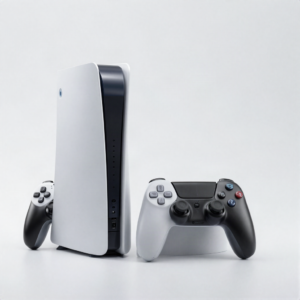 Photo: InclusiveGameLab, CC BY-SA 4.0
What is the device doing?
The visible damage is one clue. The exact model and behavior help the team separate a direct repair from a diagnostic problem.
- No power or USB-C charging problem
- No image on the console or TV
- Broken screen, rail, stand, or game card reader
- Overheating or loud fan
- Joy-Con drift, buttons, charging, or connection trouble
Choose the issue that looks closest.
Find the exact model.
If it is missing, send the model number for a manual check.
Approval stays in the right place.
- 01Choose Switch, OLED, or Lite
- 02Tell us whether it fails handheld or docked
- 03Bring the dock or Joy-Con when relevant
- 04Review the quote before repair
Know the next step.
Availability, timing, and repair options depend on the device, damage, and current parts supply.
See all FAQsDo you repair Joy-Con drift?
Joy-Con repair options depend on the controller condition and parts. Submit the exact symptom for review.
Should I bring the dock?
Bring it when TV output or dock charging is part of the problem. It can help isolate the fault.
Ready to tell us what happened?
Choose the device and issue. iPhix confirms the scope and current quote before work begins.
Book a Repair