
Computer problems need a precise starting point.
No power, a damaged display, storage trouble, overheating, and software faults can overlap. Tell iPhix what the Mac is doing, what changed, and whether important data is involved. The team will confirm the diagnostic path before advanced testing.
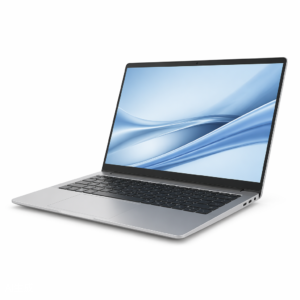
What is the device doing?
The visible damage is one clue. The exact model and behavior help the team separate a direct repair from a diagnostic problem.
- No power, no startup, or repeated restarts
- Damaged display, backlight, or hinge
- Battery, charging, or USB-C trouble
- Overheating, loud fan, or slow performance
- Storage, operating system, or important data concerns
Choose the issue that looks closest.
Find the exact model.
If it is missing, send the model number for a manual check.
Approval stays in the right place.
- 01Share the Mac model and year if known
- 02Explain the failure and any recent event
- 03Confirm standard or advanced diagnostic terms
- 04Review the repair or recovery options before approval
Know the next step.
Availability, timing, and repair options depend on the device, damage, and current parts supply.
See all FAQsIs every computer diagnostic free?
No. Some standard checks may be complimentary, while advanced testing can carry a fee. Any fee is confirmed before testing.
Can you protect the files on my Mac?
Tell the team before testing if the data is important. No recovery result can be guaranteed, but the risk and available options can be discussed first.
Do you repair both laptops and desktops?
The catalog covers MacBook and iMac models. Contact the team with the exact model if it is not listed.
Ready to tell us what happened?
Choose the device and issue. iPhix confirms the scope and current quote before work begins.
Book a Repair