
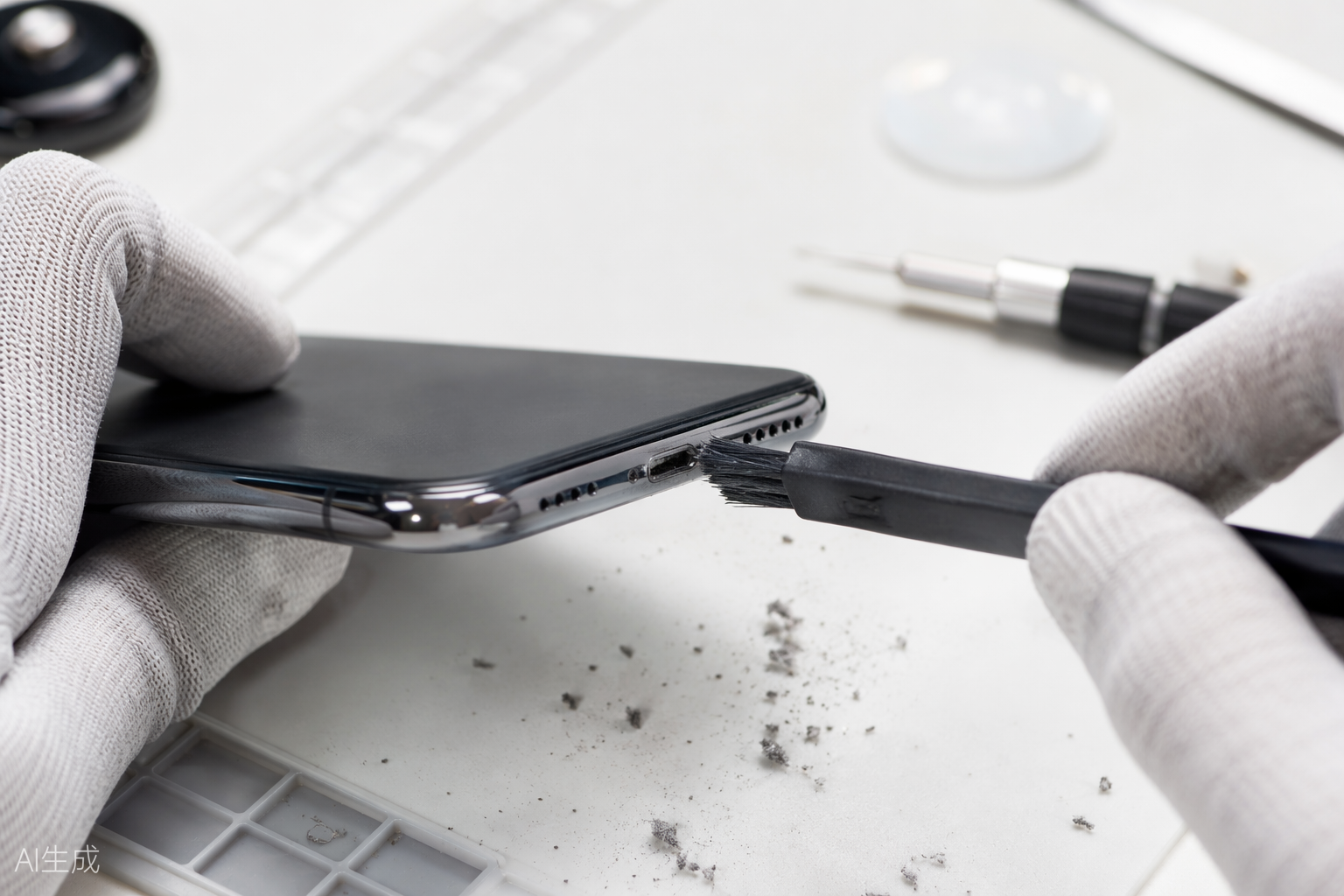
Here is a bench secret: about a third of the phones brought to us for “charging port replacement” leave with nothing but a cleaning and a slightly embarrassed owner. Pocket lint gets compacted into the port until the cable no longer seats fully. Before you book a repair, try this.
How to tell it is lint
The classic symptoms: the cable feels loose or does not click in, charging stops at slight movement, or it only charges at a precise angle. Look into the port with a flashlight — if you cannot see metal contacts at the bottom, there is probably a felt-like mat of lint in there.
What you need
Power the phone off completely. Use a wooden toothpick or a plastic dental pick — never a metal needle or pin, which can bend the contacts or short the pins. A can of compressed air and a small anti-static brush help for the final pass.
The cleaning routine
Insert the pick gently and scrape along the bottom wall of the port, pulling outward — imagine scooping, not stabbing. You will be shocked how much comes out; keep going until the pick touches bare plastic. Follow with two or three short bursts of compressed air at an angle, then brush the opening lightly. Plug in: the cable should now seat with a satisfying click and sit flush.
When cleaning will not fix it
If the port is clean but the phone still will not charge, look for these hardware signs: corrosion (green or white residue, especially after liquid exposure), visibly bent or missing pins, a port that wobbles in the frame, or a phone that charges wirelessly but not by cable. Those point to a failed port assembly or a charging IC on the board.
A port replacement is a 45-minute job for us and inexpensive — typically $49 to $99 depending on the model, warranty included. But try the toothpick first. Five careful minutes saves you a trip more often than you would think.